You now have access all of our Tutorials, Live streams and Behind the Scenes resources & materials today from some of the worlds best award winning photographers.

An email has been sent to your inbox (including your junk/spam folder)! Please check your emails and click the link to complete account activation.


with a membership
Access all of our Tutorials, Live streams and Behind the Scenes resources & materials today from some of the worlds best award winning photographers.
with a membership
Access all of our Tutorials, Live streams and Behind the Scenes resources & materials today from some of the worlds best award winning photographers.
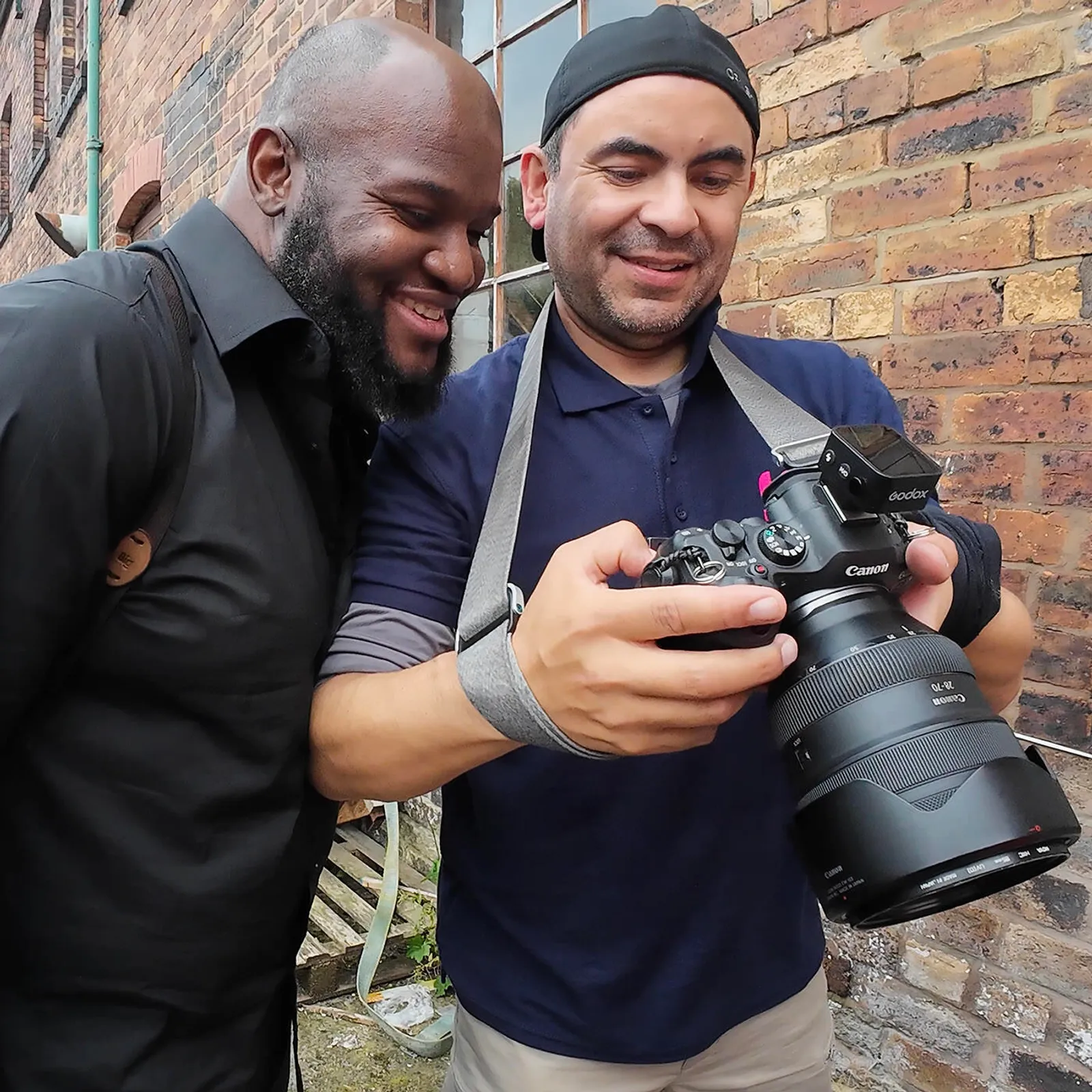


How to Use AfterShoot AI Culling and Editing with Justin Benson
Justin Benson from AfterShoot joins us for a live Q&A and demo showing exactly how photographers can use AI culling and editing to take back hours of their time, reduce backlogs, and deliver galleries faster without compromising on quality.
Live with Justin Benson of AfterShoot: AI Culling, AI Editing & How to Stop Drowning in a Backlog of 12,000 Wedding Images
Helen is upfront about this from the start: AfterShoot has genuinely transformed the way she works, and she is not subtle about it. In this stream, Justin Benson from AfterShoot joins us for a live Q&A to show exactly how the software works and how photographers can get the most out of it.
AfterShoot is an AI-powered culling and editing software designed to get photographers from a massive file count to a manageable, processed set of images as fast as possible, without removing the human creative judgement that makes the final edit yours. Justin walks through how the AI culling works, how the editing profiles are trained, and how to get the best results from the software in a real wedding workflow.
Helen also shares how AfterShoot helped her finally clear a backlog that had built up over two very busy post-Covid years and why having that weight lifted changed not just her workflow but her whole relationship with her job.
Practical, warm, and a genuine insight into how AI tools can work for photographers rather than replacing them. 🎉
The top 5 things you will learn by watching this stream:
- How AfterShoot's AI culling works and how to get the best results from it. Justin walks through the culling process in detail including: how the AI selects images; how you can train it to your preferences over time; and how to handle edge cases where you want to override its decisions.
- How to set up AfterShoot's AI editing to match your style. Justin explains how the editing profiles work and how photographers can build profiles that reflect their own look so that the AI is getting you closer to your final edit, not further away.
- How to use AfterShoot to clear a wedding backlog without cutting corners. Helen shares her own experience of using AfterShoot to catch up after two extremely busy post-Covid years and Justin explains how to use the software as part of a realistic delivery workflow.
- Why AI assistance in editing is about helping the human, not replacing them. Justin explains the philosophy behind how AfterShoot was designed built to give photographers an AI assistant that gets them further along, while keeping the human creative element firmly in place.
- How to handle shooting large volumes of images more confidently knowing AfterShoot has your back. Helen and Justin have a candid conversation about shooting volume and why having a reliable culling tool in your workflow changes the pressure you feel on a wedding day when the shutter count starts climbing.
You can save 15% off an Aftershoot plan by using the code 'FLASHMASTERS' simply visit https://aftershoot.com/ to sign up
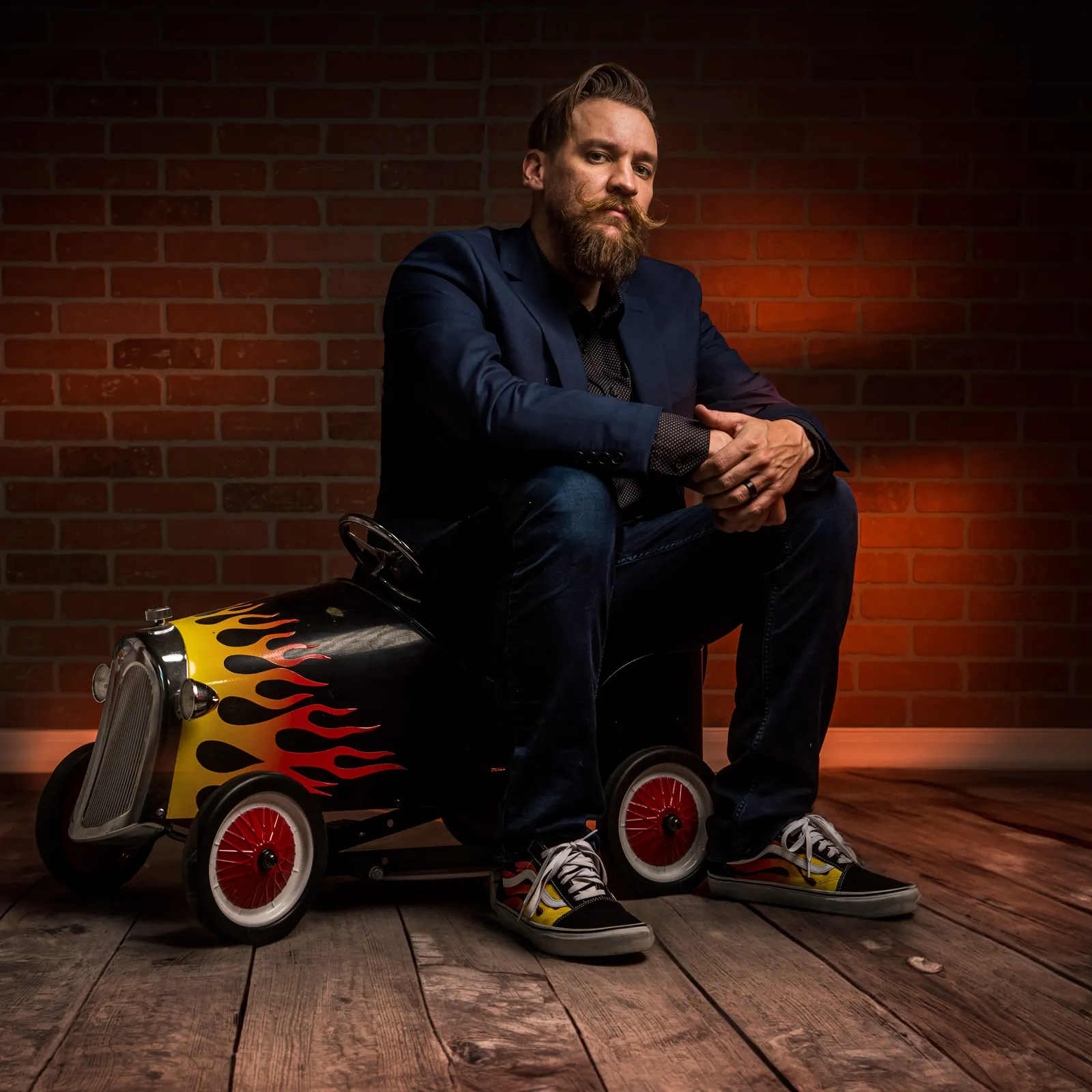
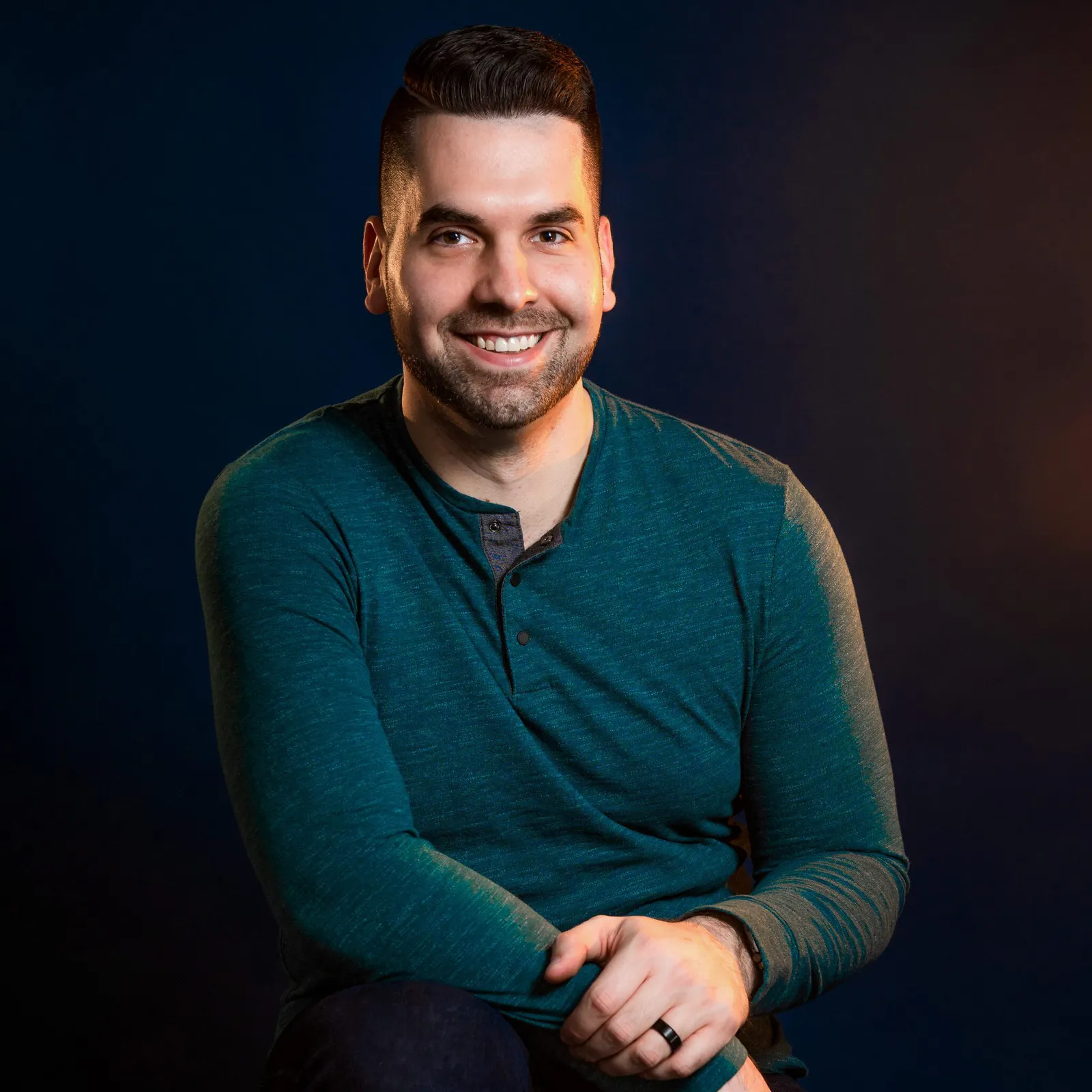
Justin Benson
A wedding photographer and the Co-founder of Aftershoot (an ai culling and ai editing software) based out of Canton, CT, USA. Photographing weddings with a traditional and classic style with a bit of mood to it! From 2009 to 2023 photographing hundreds of weddings, workflows are dialed in like clockwork. Venues dub him "the fastest photographer this side of the Mississippi". His mother once said "His pictures could be better, but I guess they are good enough". Friends acclaim Justin to be "A photographer who doesn't really let you down, but doesn't really make you that excited either." Clients say "if his pictures were as good as his jokes, we would have the best photographer in the world. But they arent."