You now have access all of our Tutorials, Live streams and Behind the Scenes resources & materials today from some of the worlds best award winning photographers.

An email has been sent to your inbox (including your junk/spam folder)! Please check your emails and click the link to complete account activation.


with a membership
Access all of our Tutorials, Live streams and Behind the Scenes resources & materials today from some of the worlds best award winning photographers.
with a membership
Access all of our Tutorials, Live streams and Behind the Scenes resources & materials today from some of the worlds best award winning photographers.


HOW GEORGE POMPEO CREATES STUNNING RING SHOTS WITH OFF-CAMERA FLASH
You don't need the couple. You don't need a fancy setting. You just need five minutes and the right technique. George Pompeo shows you how to create jaw-dropping ring photographs that elevate every wedding album.

FIVE MINUTES, TWO RINGS, ONE STUNNING PHOTOGRAPH: GEORGE POMPEO'S RING SHOT MASTERCLASS
Wedding days move fast. There's never enough time. But some of the most impactful images in an album don't need the bride, the groom, the venue, or even good natural light. They just need someone who knows exactly what to do.
In this focused and practical tutorial, New York photographer George Pompeo, who came to wedding photography having spent nearly 20 years in the wedding industry, walks you through his complete ring shot process from start to finish. Filmed with multiple flash set-ups and real examples, George covers not just his go-to technique that he can execute in under five minutes, but also a more advanced version for when time is on your side.
The result? Beautifully lit, cinematic ring shots that make clients stop scrolling and stare. Images that look like they belong in a magazine, and that take minutes to create. Once you know George's process, you'll look forward to this part of every wedding.
This is the tutorial that will make ring shots one of your favourite moments of the day. 💍
Top 5 Things You Will Learn
- When and where to shoot ring shots during a wedding day: Learn the two strategic moments George uses to capture ring photographs without eating into couple time, and why the timing makes a real difference to your results.
- Lighting conditions and why they matter: Understand exactly what kind of environment George looks for when setting up this shot, and why avoiding certain lighting conditions is as important as choosing the right ones.
- The standard ring shot, executed in five minutes: Discover the streamlined setup George uses at most weddings to produce a consistently beautiful result, quickly and without fuss.
- The advanced ring shot: When time allows, George takes things further. Find out the additional techniques and creative choices that take a good ring shot to a genuinely spectacular one.
- How to create images that impress without the couple: Learn how thinking creatively about standalone detail shots adds a whole extra dimension to your wedding storytelling, and to your portfolio.
To find out George Pompilio, please visit his website: https://www.georgepompiliophotography.com

George Pompilio
George Pompilio is the owner of George Pompilio Photography, a luxury wedding studio serving New Jersey, Long Island, Staten Island and Brooklyn. His work is editorial, timeless and built around real moments. He placed Top 5 in the World at Flash Masters 2024 and Top 10 Wedding Photographers in 2025, and couples have left 105+ five-star Google reviews. He photographs one wedding per day and keeps investing in his education to bring something new to every celebration.
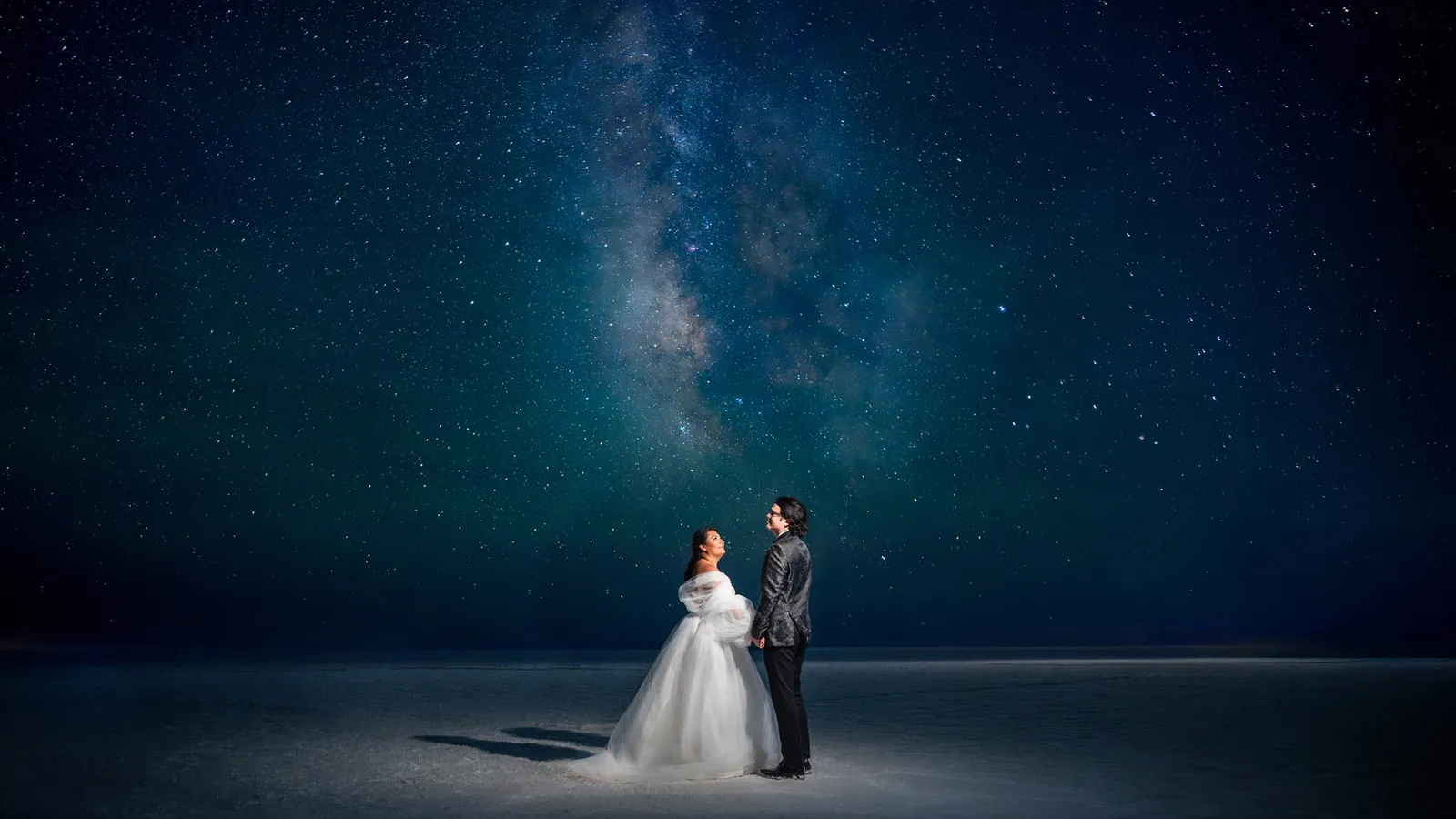
Images discussed during this tutorial